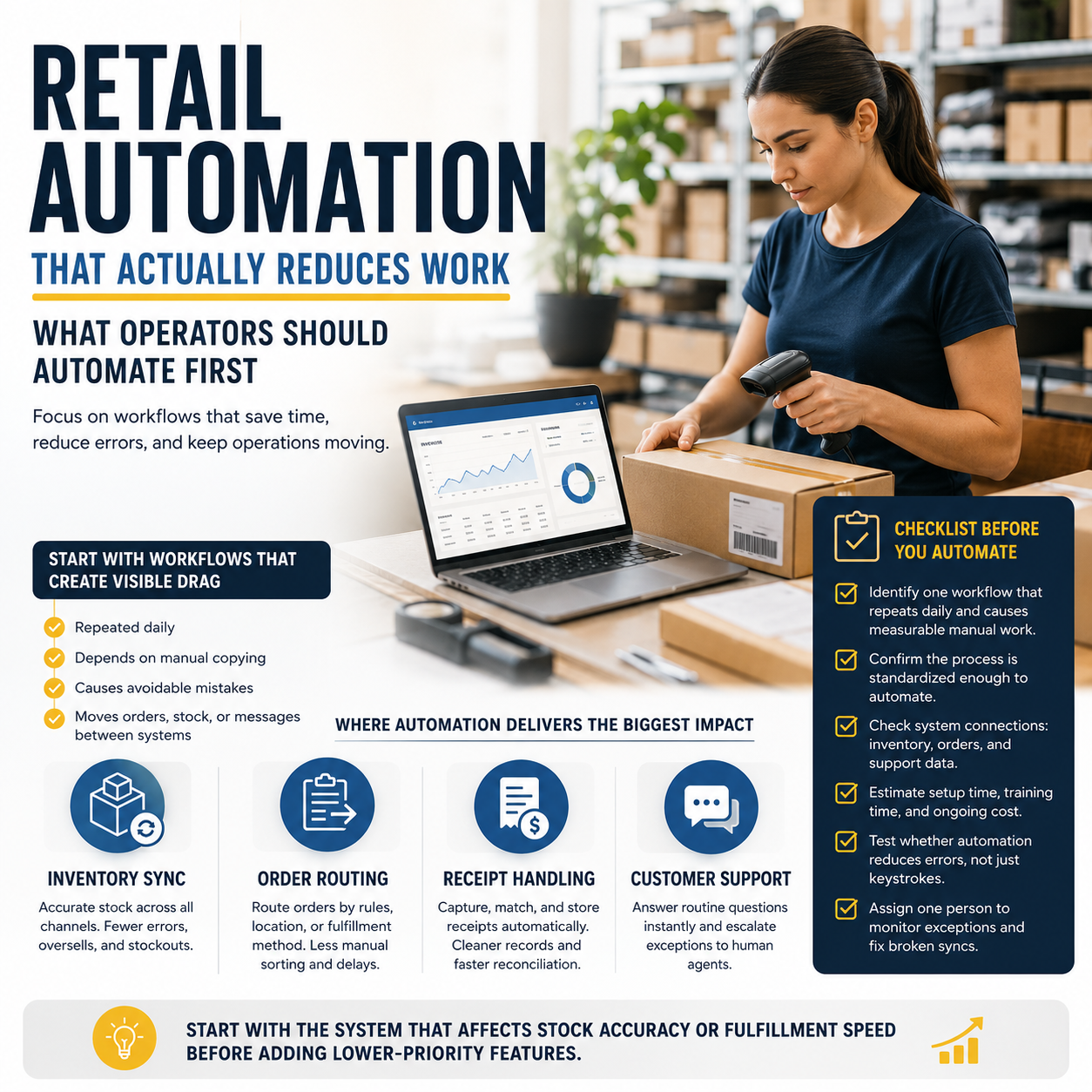
Retail automation is most useful when it removes repetitive work that slows down ordering, fulfillment, and store operations. For small retailers, the question is not whether automation exists, but which workflows justify the cost and which ones only add another subscription to manage.
The right first move is usually operational, not promotional: inventory sync, order routing, receipt handling, and repetitive customer-service tasks. Those areas directly affect labor time, stock accuracy, and error rates, which makes them easier to evaluate than vague promises about “efficiency.”
Start with the workflows that create visible drag
If a task is repeated daily, depends on manual copying, or causes avoidable mistakes, it is a candidate for automation. In retail, that usually means the point where orders, stock levels, and customer messages move between systems.
One practical way to prioritize is to ask where the team spends time correcting avoidable problems. If staff are reconciling stock counts, updating product availability across channels, or rekeying online orders into a warehouse system, those are real cost centers. Automating them can reduce labor spent on cleanup rather than trying to “do more marketing” on top of a broken process.
Inventory automation is often the first system to fix
Inventory errors create two expensive problems at once: overselling and understocking. Overselling damages customer trust and creates support tickets. Understocking leaves money on the table because products that should be available are not visible for sale.
For many retailers, inventory automation means connecting the storefront, marketplace listings, and stock management tool so product counts update in one place. This does not eliminate the need for physical counts, but it reduces how often staff have to manually reconcile discrepancies. The best setup is the one that keeps SKU data clean, because automation only works well when product naming, variants, and bundles are structured consistently.
What most people miss
Automation projects fail most often when a business tries to automate a messy process instead of a defined one. If the team already uses different product names for the same item, or if returns are handled differently by each employee, the software will simply speed up the confusion.
The real operator decision is whether to standardize the workflow first. That means agreeing on how products are named, how stock is adjusted, who approves exceptions, and what happens when a system reports a mismatch. The cleaner the process, the less likely the automation becomes a hidden source of errors.
Checkout and order routing should be treated as labor decisions
Checkout automation is not only about customer convenience. It also affects how much staff time is spent processing transactions, answering order-status questions, and fixing handoff issues between sales channels and fulfillment.
For stores with both online and physical operations, order routing matters just as much. If every online order requires manual assignment to a location, warehouse, or packing queue, the team is paying for unnecessary coordination. Automation can route orders by inventory location, shipping method, or fulfillment rules, which gives operators a clearer view of throughput and reduces delays caused by manual sorting.
When evaluating tools, founders should look at the downstream work, not the feature list. A fast checkout process is only valuable if it reduces abandoned carts, staff intervention, or reconciliation work later in the day. The same is true for order routing: the win is not the automation itself, but the labor and error reduction it creates.
Customer support automation should handle routine questions, not everything
Retail support tends to repeat a small set of questions: where is my order, how do I return this, is this item in stock, and when will it ship. These are the best candidates for automation because they are standardized and easy to verify against system data.
That does not mean replacing human support entirely. It means using automation to answer predictable questions instantly and escalating edge cases to a person. This keeps support teams focused on exceptions, damaged goods, delivery failures, and policy disputes, which are the interactions that actually need judgment.
For smaller teams, the operational goal is lower ticket volume per order, not a fully automated inbox. If an automation tool creates more confusion than it removes, it is probably solving the wrong problem.
How to judge whether a tool is worth the money
Retail automation tools are easiest to justify when they replace a clear manual process. Before buying, map the task to measurable outputs: hours saved, fewer stock errors, faster order handling, fewer support tickets, or lower dependency on a single employee who knows the workaround.
It also helps to separate setup cost from ongoing cost. Some tools look inexpensive until implementation, training, and integration work are added. Others are easier to launch but require more attention each week. The right choice depends on whether the business needs speed now or deeper process control over time.
Founders should also consider whether the system can grow with channel complexity. A retailer selling on one site may only need basic automation, but a business selling through marketplaces, physical stores, and direct-to-consumer channels needs cleaner rule handling and better data consistency.
Use this checklist before you automate
- Identify one workflow that repeats daily and causes measurable manual work.
- Confirm the process is standardized enough to automate without constant exceptions.
- Check whether the tool connects inventory, orders, and support data without duplicate entry.
- Estimate setup time, training time, and the monthly cost of keeping it running.
- Test whether the automation reduces errors, not just keystrokes.
- Make sure one employee is responsible for monitoring exceptions and fixing broken syncs.
- Start with the system that affects stock accuracy or fulfillment speed before adding lower-priority features.