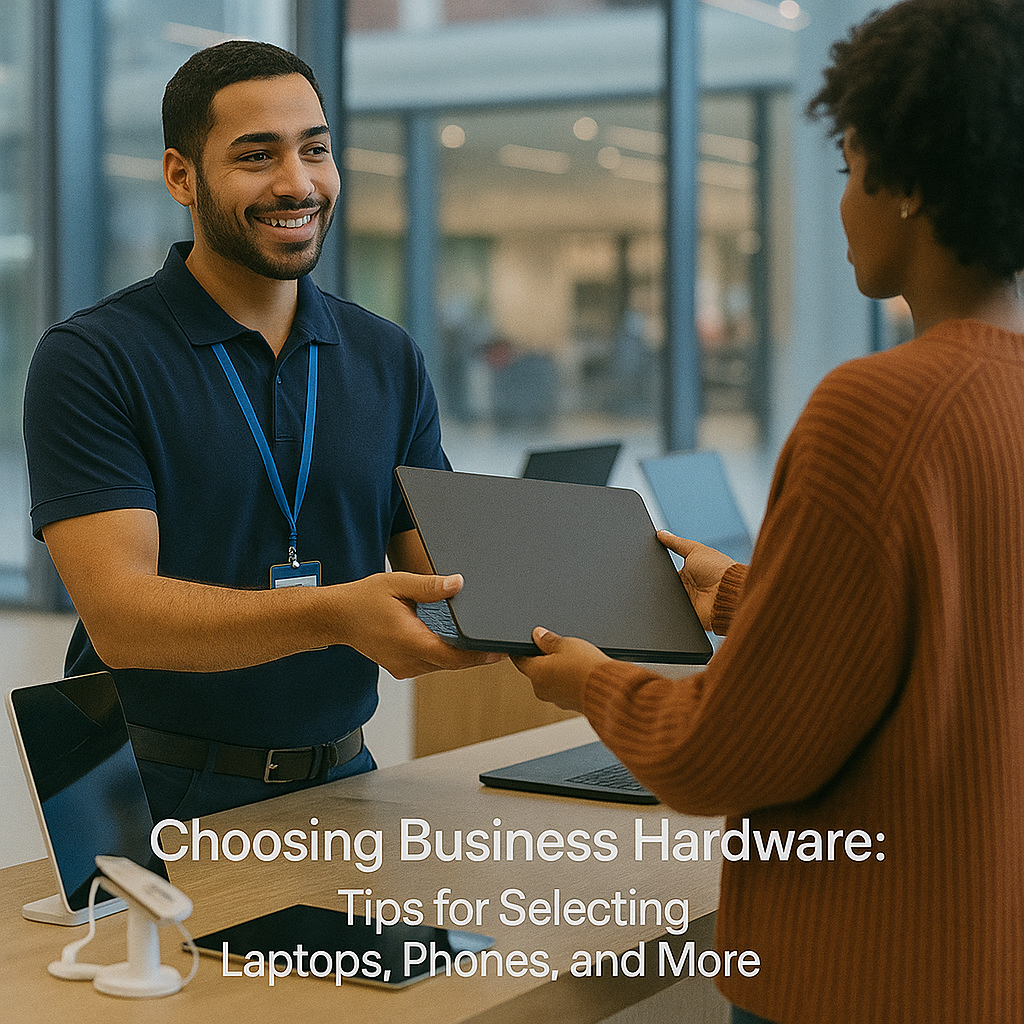
Technology is the foundation of every successful business. As an entrepreneur or small business owner, selecting the right laptops, smartphones, and other hardware is crucial for balancing performance, reliability, and cost. This comprehensive business hardware buying guide offers valuable insights and practical advice to help you make informed decisions. Understanding Your Business Requirements Before exploring individual device specifications and features, take a moment to evaluate your business needs. Whether you are a startup with a small team or an expanding organization focused on scalability, your requirements will dictate whether you need high-performance laptops for design tasks, robust smartphones for communication, or a blend of both. Consider factors such as your daily operations, the software you use, and the environments in which your employees work. If your team frequently travels or participates in remote meetings, portability and battery life become critical. This self-assessment will help you develop a prioritized list of features, ensuring your hardware investments support your business goals. For more detailed strategies on assessing company needs, you might Assess Your Business’s Unique Needs. Tips for Selecting Business Laptops and Smartphones With a clear understanding of your needs, focus on choosing the right devices. Key elements to consider include performance, security, and seamless connectivity. Prioritize devices that feature powerful processors, ample memory, and fast storage to boost productivity. When evaluating business laptops and smartphones, balance portability with screen size. For example, a lightweight laptop with long battery life is ideal for travel, while a robust workstation suits data-intensive office tasks. For smartphones, look for advanced camera systems, high-speed connectivity (like 5G), and dependable battery life. Features such as biometric security and an integrated ecosystem with your laptop or desktop ensure a smooth workflow and enhanced data protection. This advice complements insights from trusted sources like Forbes, where experts stress the importance of innovation and security in hardware decisions. Considering Other Essential Hardware Beyond laptops and smartphones, small businesses need peripherals and office technologies such as printers, routers, and external storage. Ensure that these devices integrate seamlessly with your main workstations. For example, modern multifunction printers not only print but also scan, copy, and sometimes fax. Their cloud integration capabilities simplify document management and reduce reliance on physical filing systems. Networking equipment like routers and switches requires careful planning. A network designed to handle high internet traffic and multiple connections can prevent slowdowns during peak business hours. These components play a vital role in your overall technology infrastructure. The goal is to build a cohesive system where every device contributes to the efficiency of your operations. Maximizing Your Investment Investing in business hardware is a long-term commitment. Choose devices that meet current requirements while offering room for future growth. Many products now offer extended warranties, insurance, and technical support to ensure continuous operation and reduce downtime risks. Consider the software ecosystem that accompanies your hardware. Many laptops come pre-installed with business-oriented operating systems that deliver advanced security and productivity tools. Similarly, smartphones often include apps that streamline communication and collaboration. Before purchasing, compare models online, read customer reviews, and consult expert opinions. One effective strategy is to explore our business solutions for current market offerings. This approach maximizes your investment and ensures your hardware choices are future-proof. When budgeting, account for both upfront costs and long-term expenses such as maintenance, updates, and potential upgrades. In today’s competitive business environment, the right devices can significantly enhance operational efficiency and boost your bottom line. Adapting to a Changing Technology Landscape The technology landscape is constantly evolving. A flexible hardware strategy involves staying informed about the latest trends and being prepared to adapt. Emerging innovations like cloud integration, artificial intelligence, and enhanced cybersecurity measures can all impact your hardware’s performance and lifespan. Subscribe to industry publications, attend trade shows, and participate in networking events to keep current with technology trends. Feedback from your team can also provide valuable insights, ensuring that your devices meet daily operational needs. Rather than overhauling your equipment constantly, implement a refresh strategy that focuses on critical upgrades based on performance metrics and new technological standards. This approach will help your business remain agile and ready to tackle future challenges. This business hardware buying guide is designed to provide practical tips for selecting business laptops, smartphones, and other devices that keep your operations running smoothly. A well-planned hardware strategy not only boosts productivity but also enhances employee satisfaction and customer service quality. Assess your business’s unique needs before selecting hardware. Balance performance, portability, and security when choosing laptops and smartphones. Ensure peripherals and networking tools integrate seamlessly with primary systems. Plan for future scalability and stay updated on technology trends.
Choosing Business Hardware: Tips for Selecting Laptops, Phones, and More
More business insights
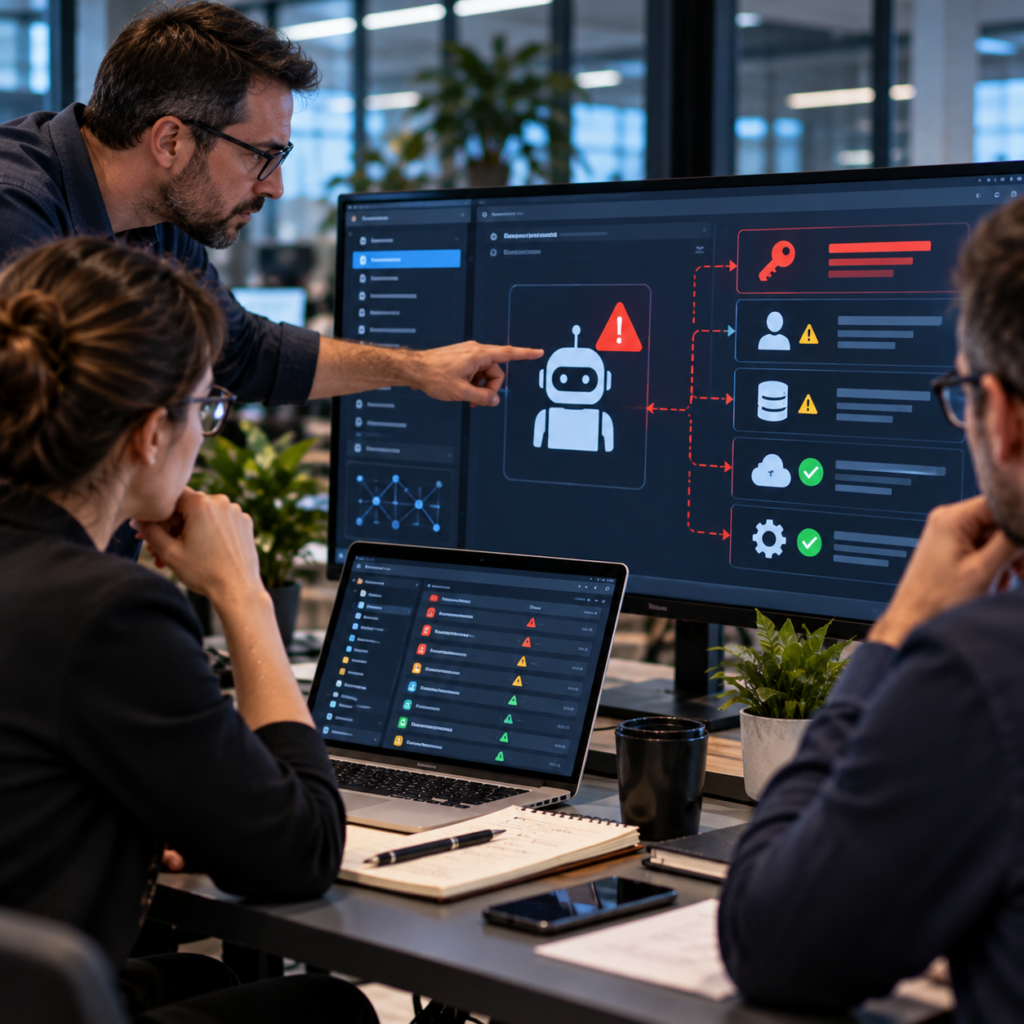
A practical AI agent access-control audit for exposed secrets, public repositories, cloud permissions, monitoring, credential rotation and containment.

Assess proposed CBP filing deadlines, test shipment data readiness, model potential costs and prepare alternatives for low-value imports.

A business data migration is not simply a transfer from one system to another. It changes where employees find information, how applications exchange records, […]